Where streaming is possible
Movies, shows and live TV in one app, made to feel like the best streaming services. Sign in on your phone, your TV or a web browser and pick up exactly where you stopped.
Android phonesAndroid and Google TVWeb browser
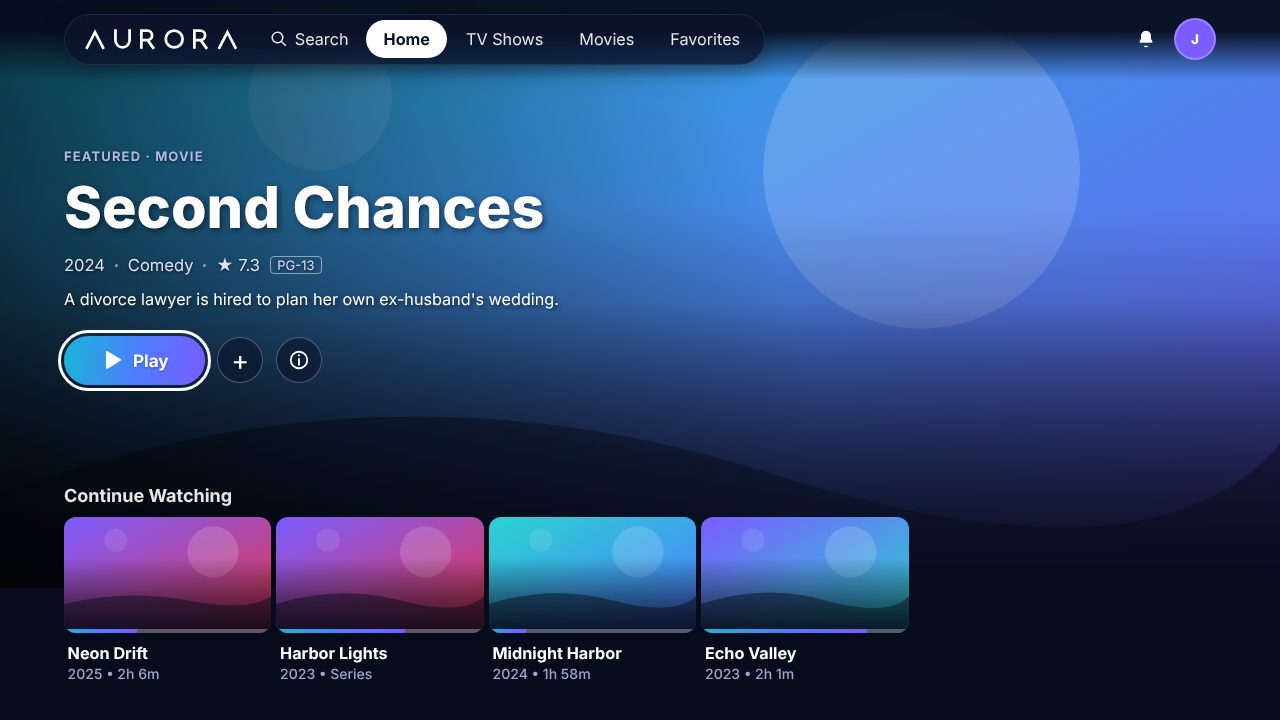
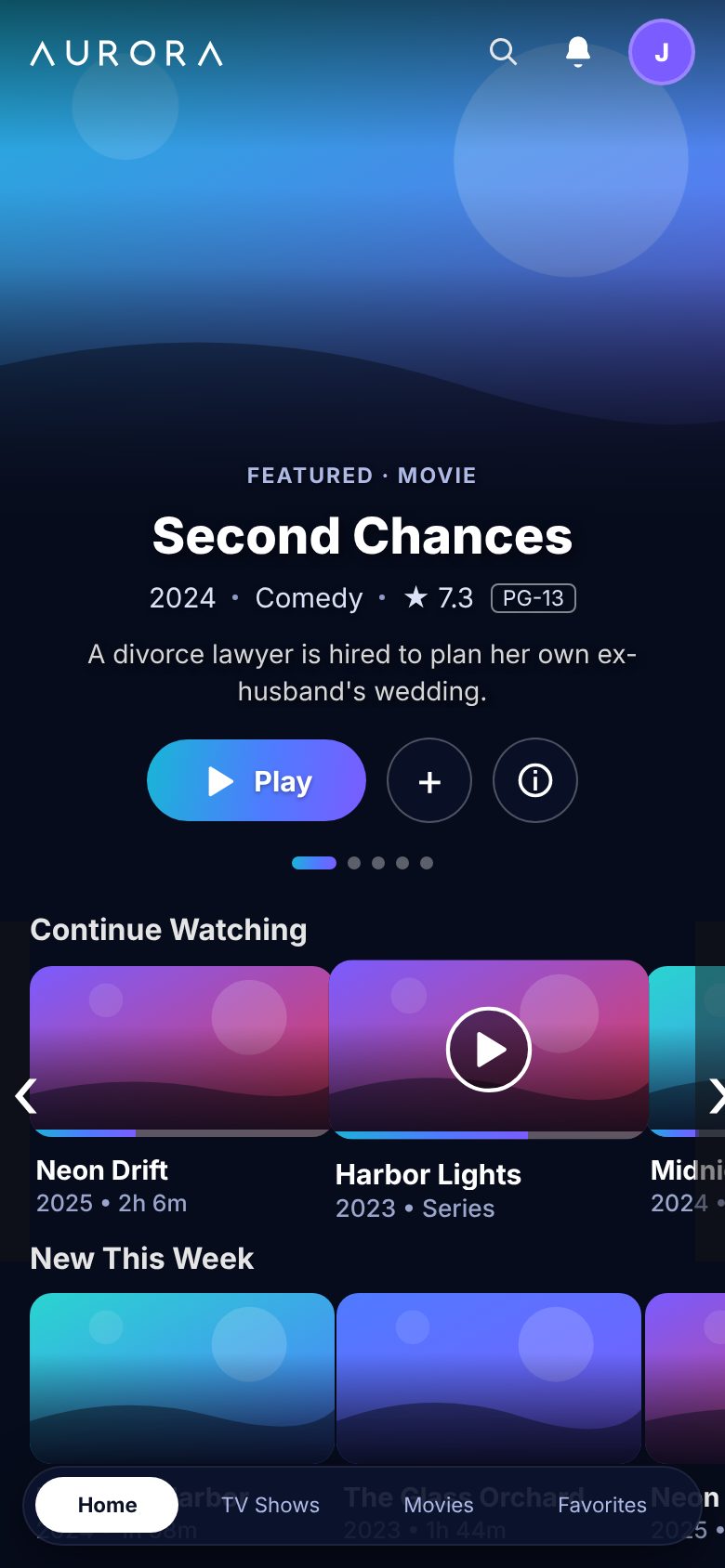
Movies, shows and live TV in one app, made to feel like the best streaming services. Sign in on your phone, your TV or a web browser and pick up exactly where you stopped.
This is the real app. The titles here are made up for the pictures; your library shows your own movies and shows.
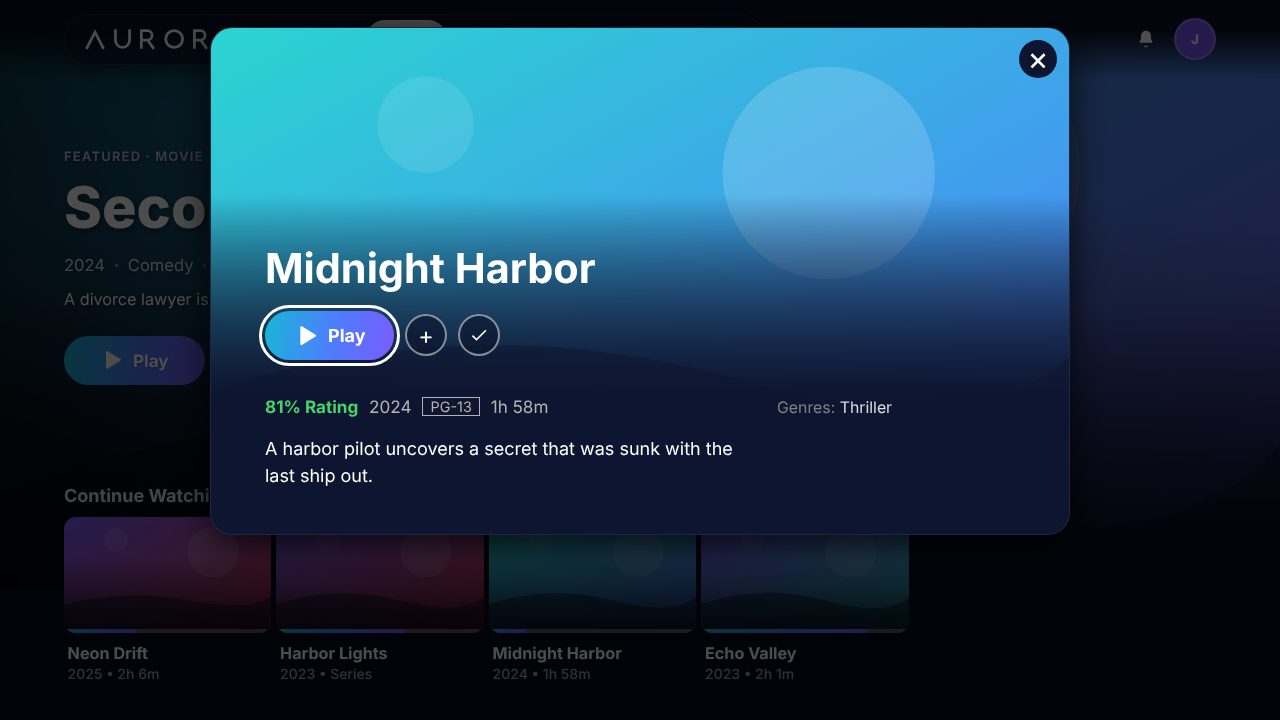
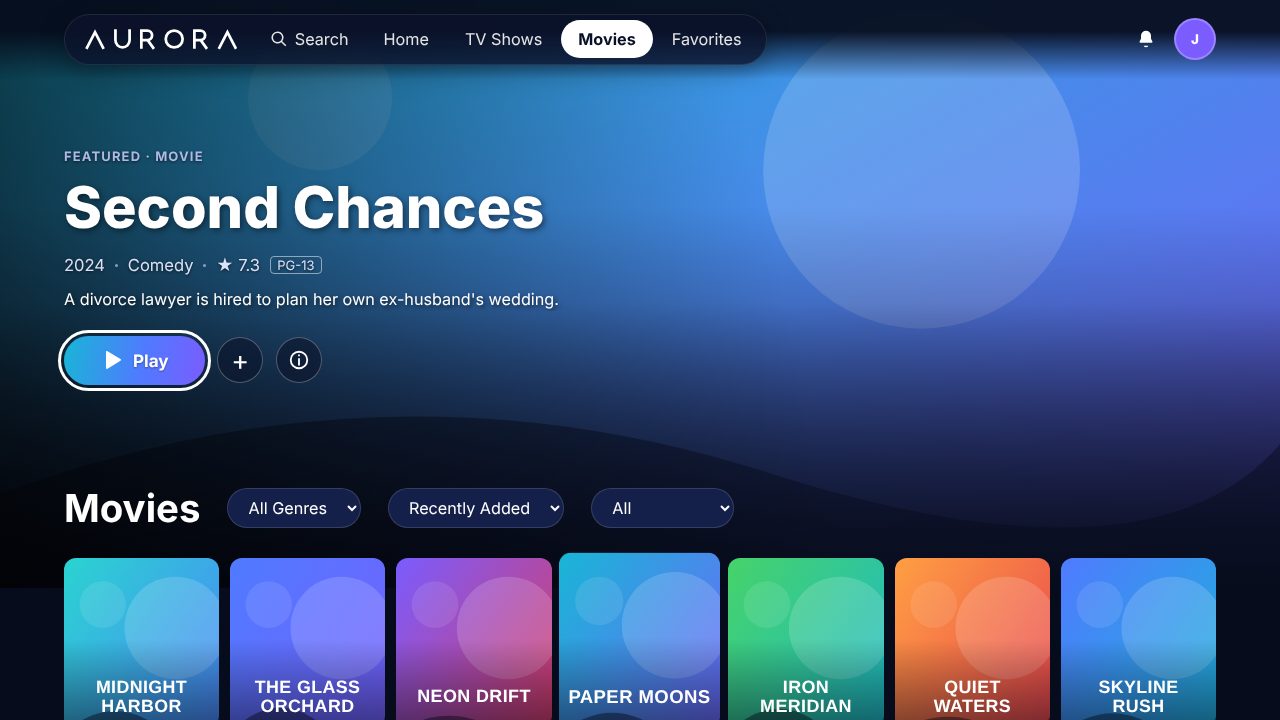
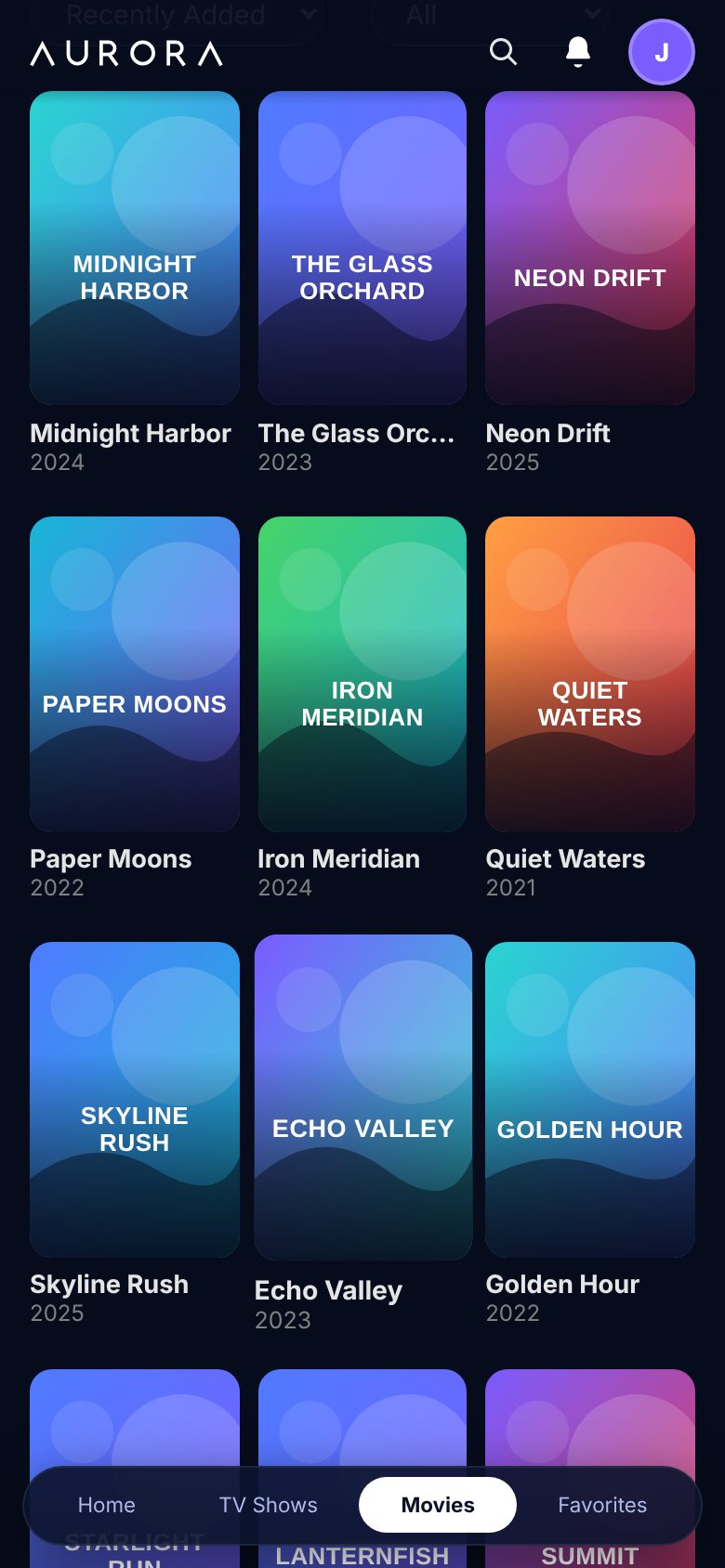
Sign in on your phone, your TV or a browser. Your list and your place in every show go with you.
Start free trialAurora brings your movies, shows and live channels together with a clean, fast design that works with a remote, a touchscreen or a keyboard.
A featured banner, rows for Continue Watching, Next Up and New This Week, and filters by genre. Cast, ratings, trailers and More Like This on every title.
A full TV guide, channel up and down, number keys on your remote, and a Last channel button. See what is on now and next at a glance.
Pick any day this week, follow your team and get alerts when a game starts. Tap a game for stats and standings and the best channel to watch it on.
One account on every screen. Each person gets a Who's watching profile, and the TV app is built for the remote from the first tap.
Save a movie or episode to your phone before a flight or a drive and watch with no signal. Playback resumes where you stopped.
Limit a device to titles with a rating you choose. Live TV, Settings and Admin close, and a four-digit PIN is needed to leave.
Audio tracks, subtitles with your own size and colour, Skip Intro, next-episode countdown, and quality you can change if your connection is slow.
Browse what is trending and coming soon, and request a movie or season from the Android app. You can follow your requests as they are added.
A Status page that checks your connection and the service, a speed test, and Help and support that sends the details we need to fix a problem.
Live TV has a Sports tab built in.
Pay for the time you want and the number of screens that can play at once. No contract.
A connection is one device playing at the same time. Refer a friend and you both get 7 free days.
Your account is ready. Sign in with the username and password you just chose.
Install it on your TV or phone in a minute. Then sign in with the account you made above.
Downloader code
If the TV asks, allow Downloader to install apps in Settings.
Tap Download on your phone. When it finishes, open the file and choose Install. Aurora then updates itself.
Download for AndroidOr use the Downloader code 2873179 on your phone too.
No install needed. Open Aurora in any modern browser and sign in.
Open on the webQuick answers to the things people ask most.
Aurora is a streaming app for movies, TV shows and live TV. It looks and feels like the big streaming services and runs on your phone, your Android or Google TV and a web browser.
Android phones and tablets, Android TV and Google TV, and any modern web browser. Offline downloads are on the Android app.
Use the Sign up form on this page. Pick a username and password and your account is ready straight away. Then sign in on any of your devices.
Install the Downloader app from the Play Store, open it, type the code 2873179 and select Go. Choose Install, then Open, and sign in.
Enter it in the optional boxes on the sign-up form. A referral code from a friend gives you both 7 free days.
One device playing at the same time. With 2 connections, two devices can play together. If a third tries, Aurora tells you to stop playback on another one first.
Yes. Every new account starts with 2 free days and no card is needed.
Yes. Live TV has a Sports tab with scores, your teams and the best channel for each game. Scores come from a public sports feed and can be a minute behind.
On the Android app you can download movies and episodes over Wi-Fi and watch them offline. Downloads stop working when an account expires.
Open Settings, then Status, to check your connection and the service. Use Report on the channel. If many people report it, we see it right away.
Yes. Turn it on for a device in Settings, choose the age group, and set a PIN. Only titles with an allowed rating show, and Live TV and Settings are closed.
The Android app checks for a new version and offers to install it, so you always have the latest features.
Renew any time before your plan ends. Nothing renews by itself, so there is nothing to cancel.
Send us a message and we will help.